Theme features
Everything Salvia can do, and how to set it up.
Salvia is a soft, image-first Ghost theme for personal blogs, family travel journals and slow-living publications. Large photos, a calm sage palette and one signature shape, the arch, give every story room to breathe.
Here is what the theme does and how to set it up. Everything is available out of the box, without code.
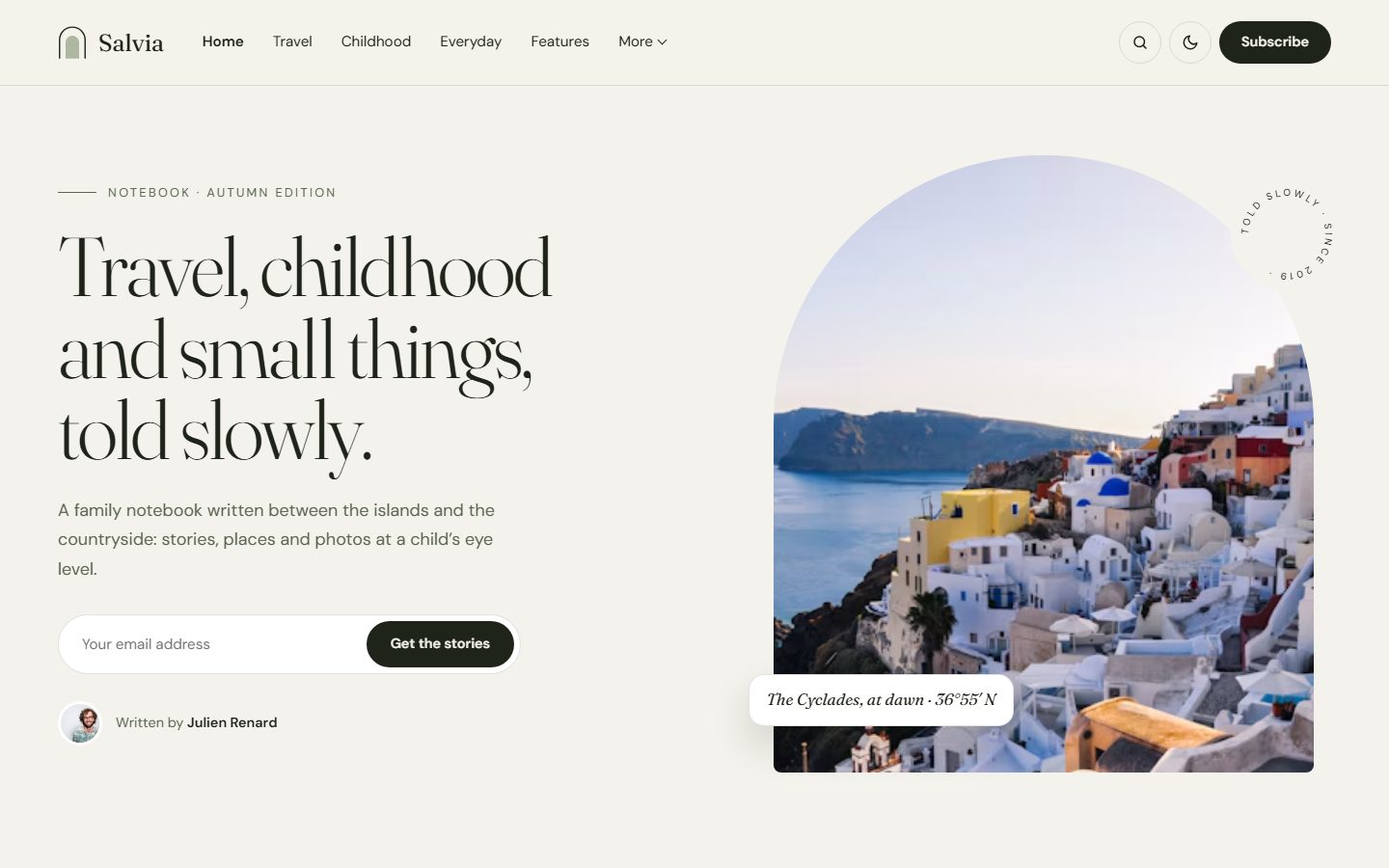
An introduction that feels personal
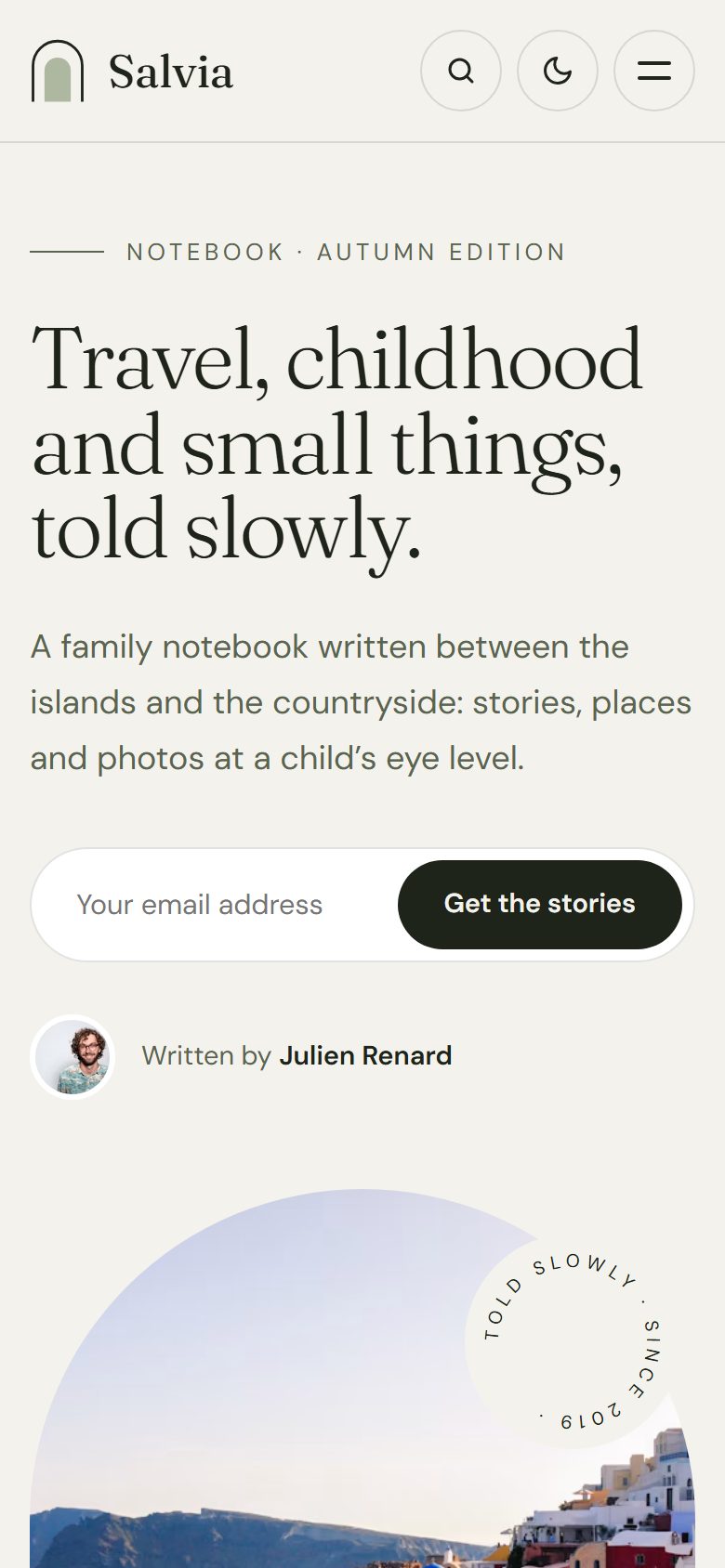
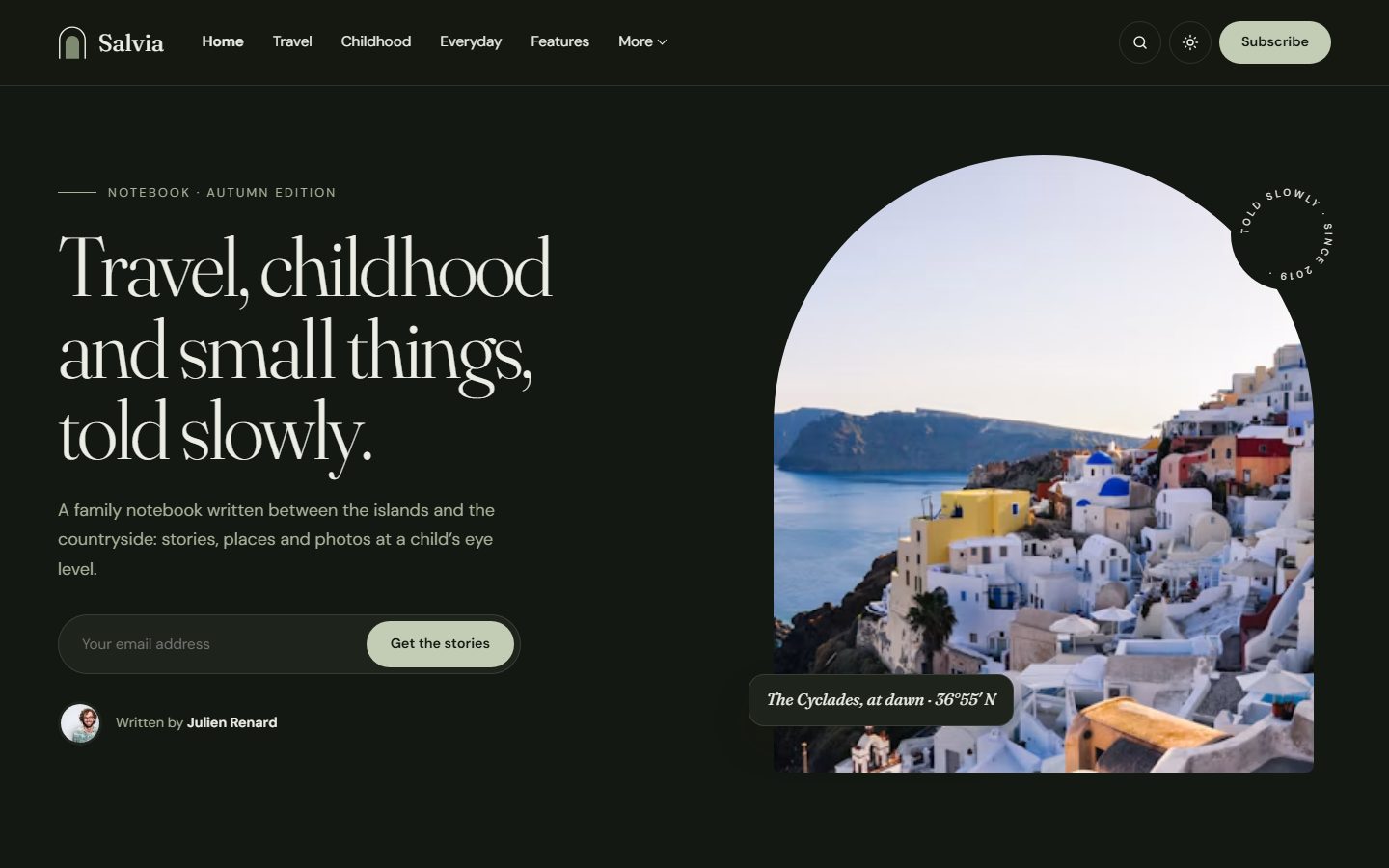
The homepage opens like the first page of a notebook: a short line, a large title, your site description, a signup form and a “Written by” line with your portrait. On the right, your photo sits in an arch, with a small caption card and a rotating seal.
Every word is editable in the theme settings, and the photo falls back to your publication cover if you do not choose one.
A mosaic of stories
Latest stories appear as full-bleed photos separated by fine lines: a row of three, then a row of two larger tiles, then three again. The title sits on the image with a soft gradient, and the date and topic are set in small capitals. Larger tiles show the author’s name in italics.
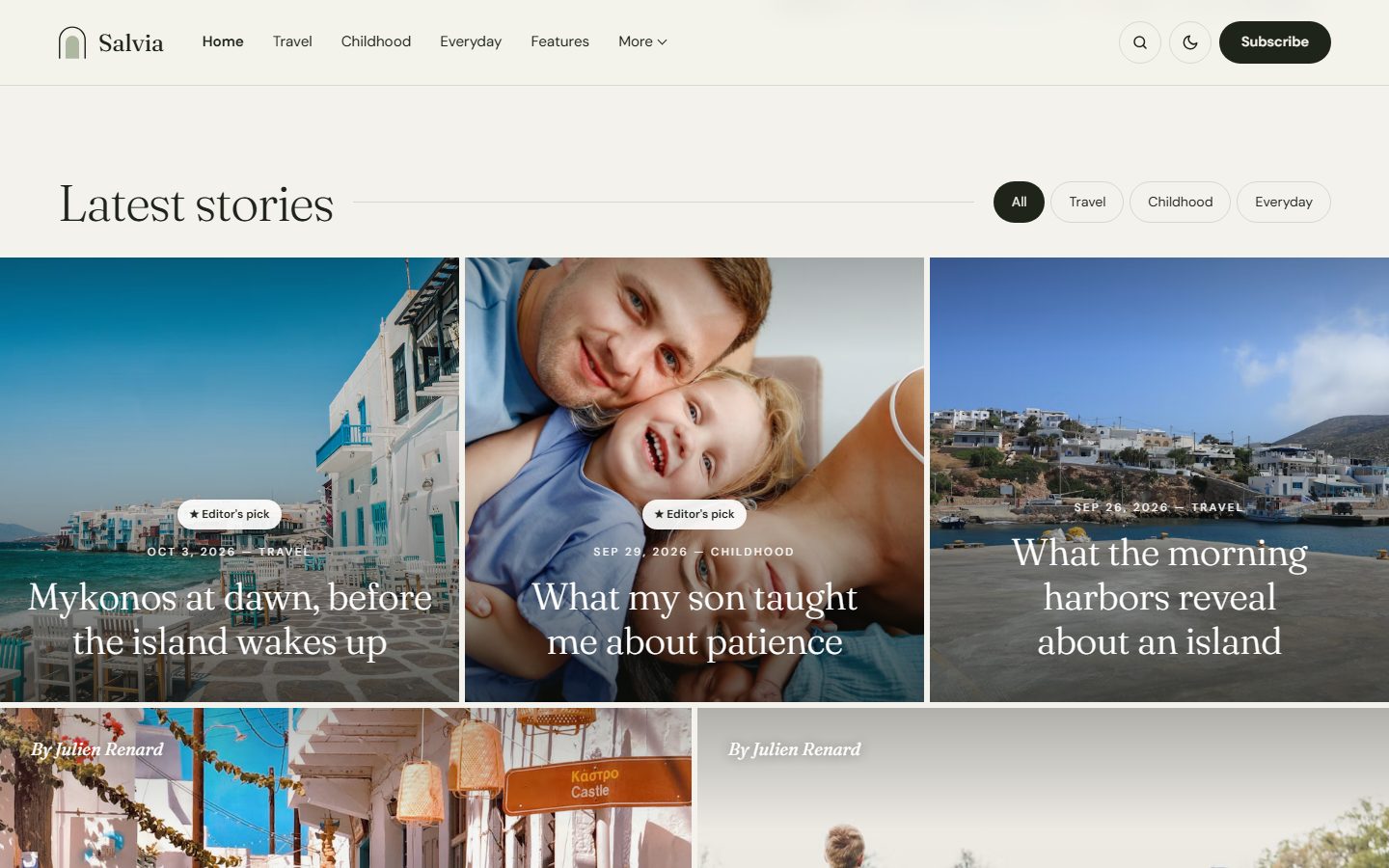
Featured posts get an Editor’s pick badge, members-only posts a Members badge, and a Load more button brings the next stories without leaving the page.
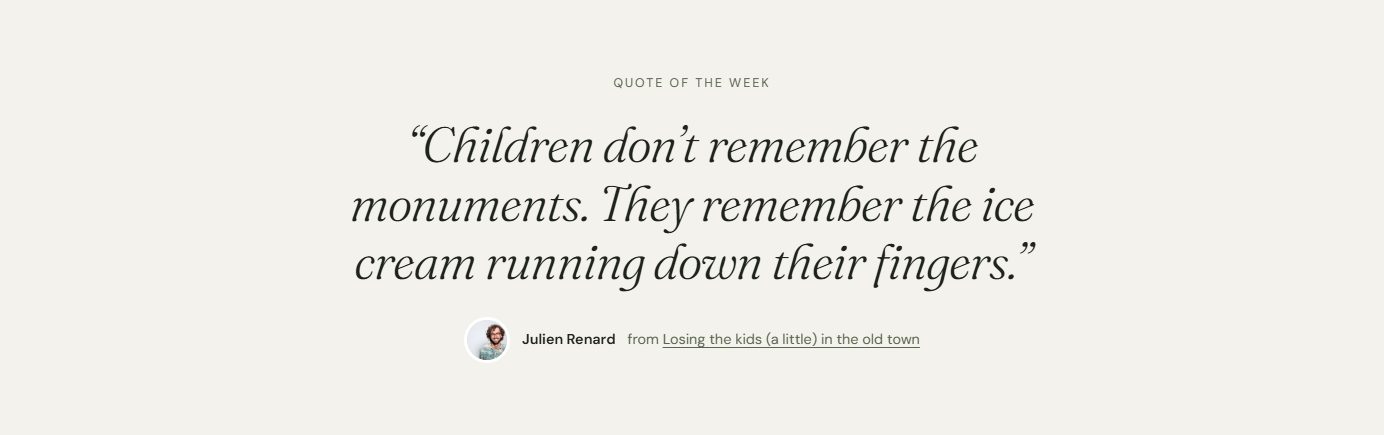
Quote of the week
A large italic quote, set in Fraunces, slows the page down between the stories. Tag any post with the internal tag #quote and its excerpt becomes the quote, signed by the author and linked to the story.
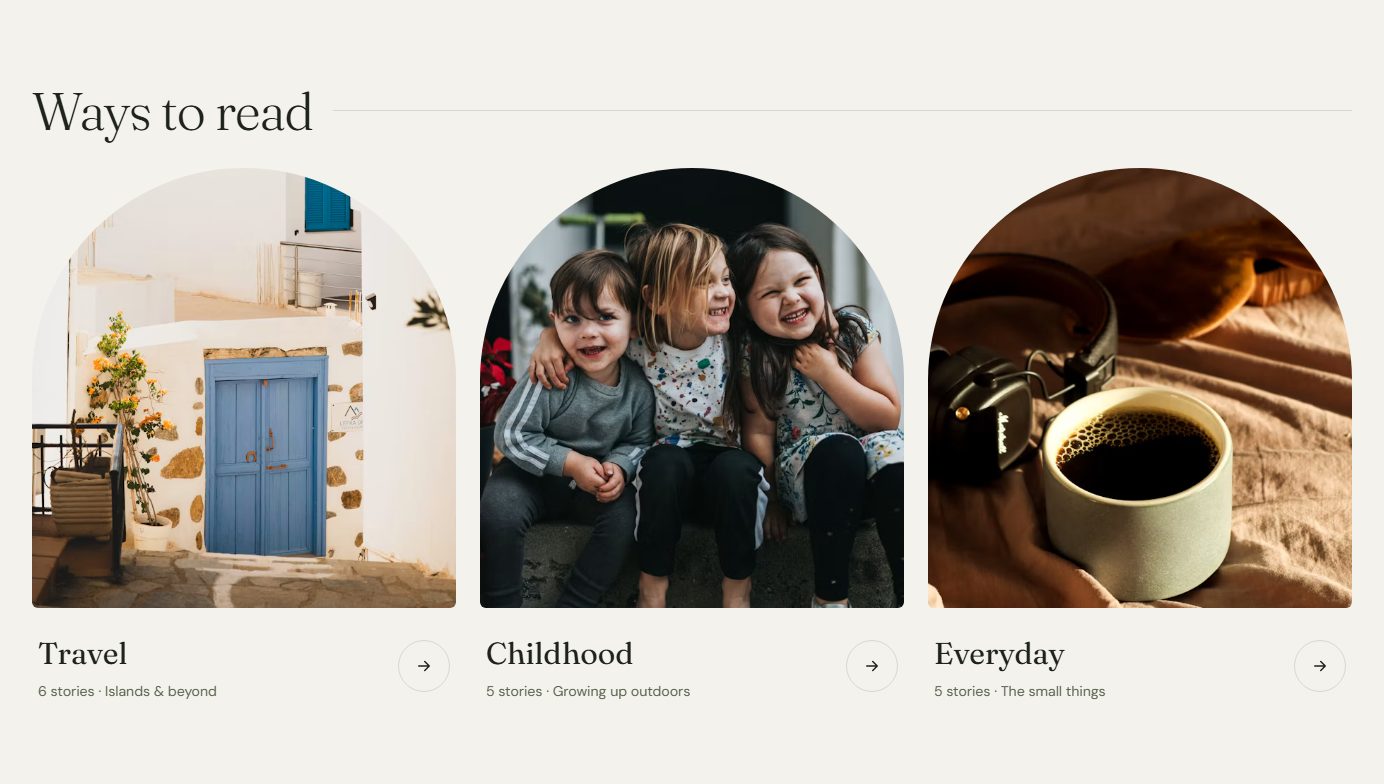
Topics as arches
Your main topics appear as tall arches with their image, story count and description. Choose which ones in the settings, three is the sweet spot.
Made for long reads
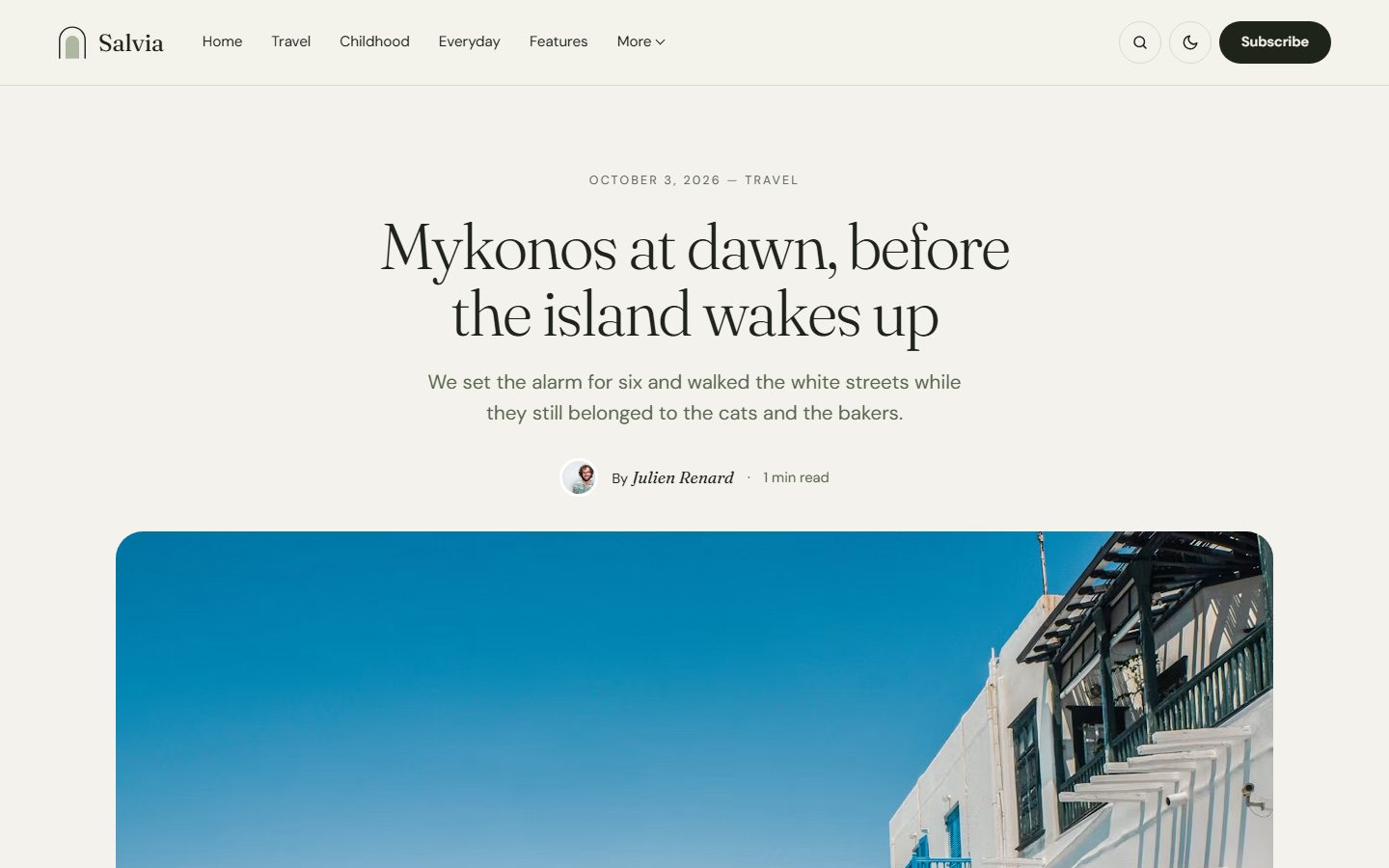
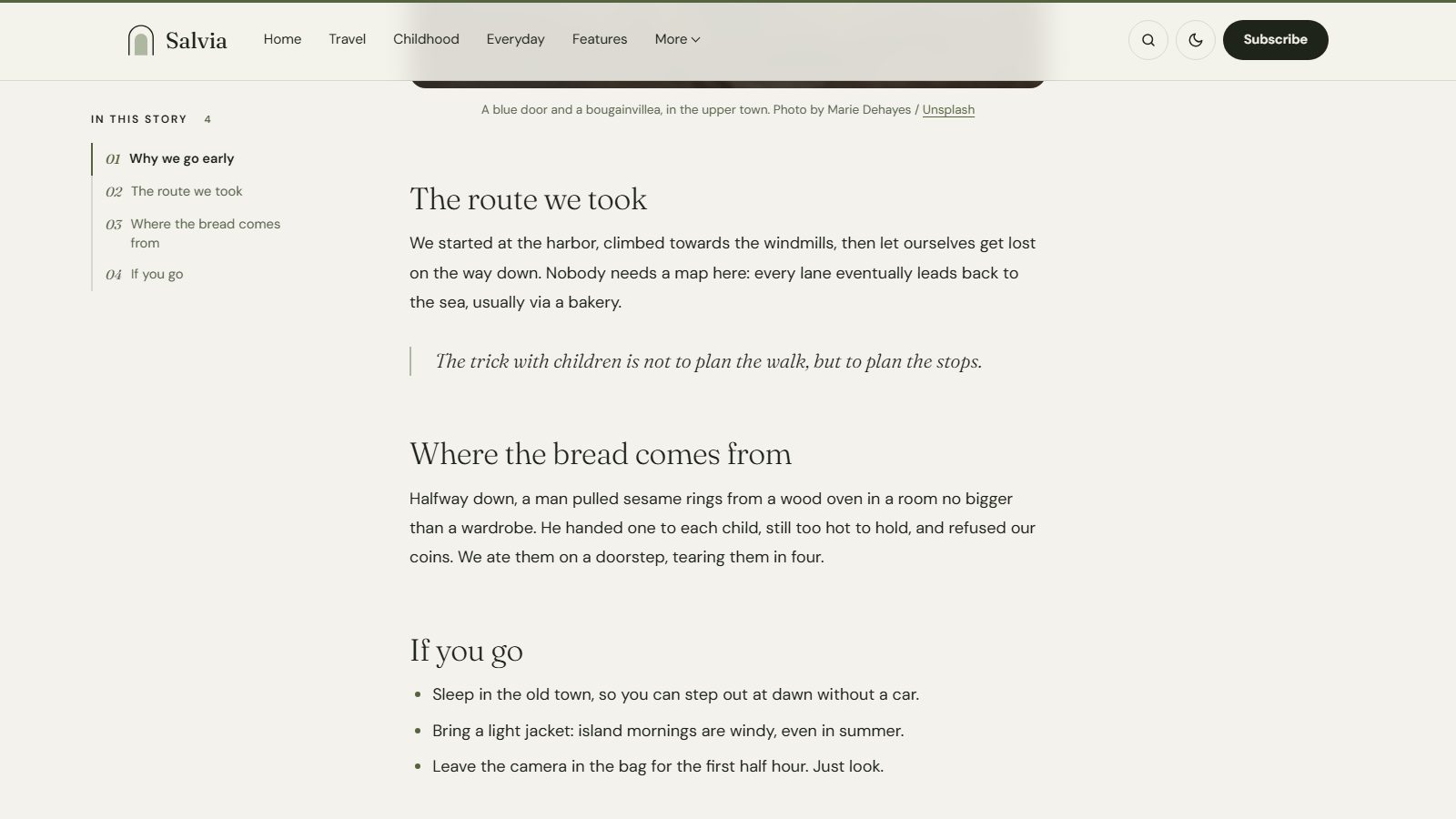
Articles open with a centered title, a drop cap on the first paragraph and generous line spacing. Long stories get a table of contents built from your headings, with a sage rail that follows the reader, and a thin reading progress bar.
Covers for topics and authors
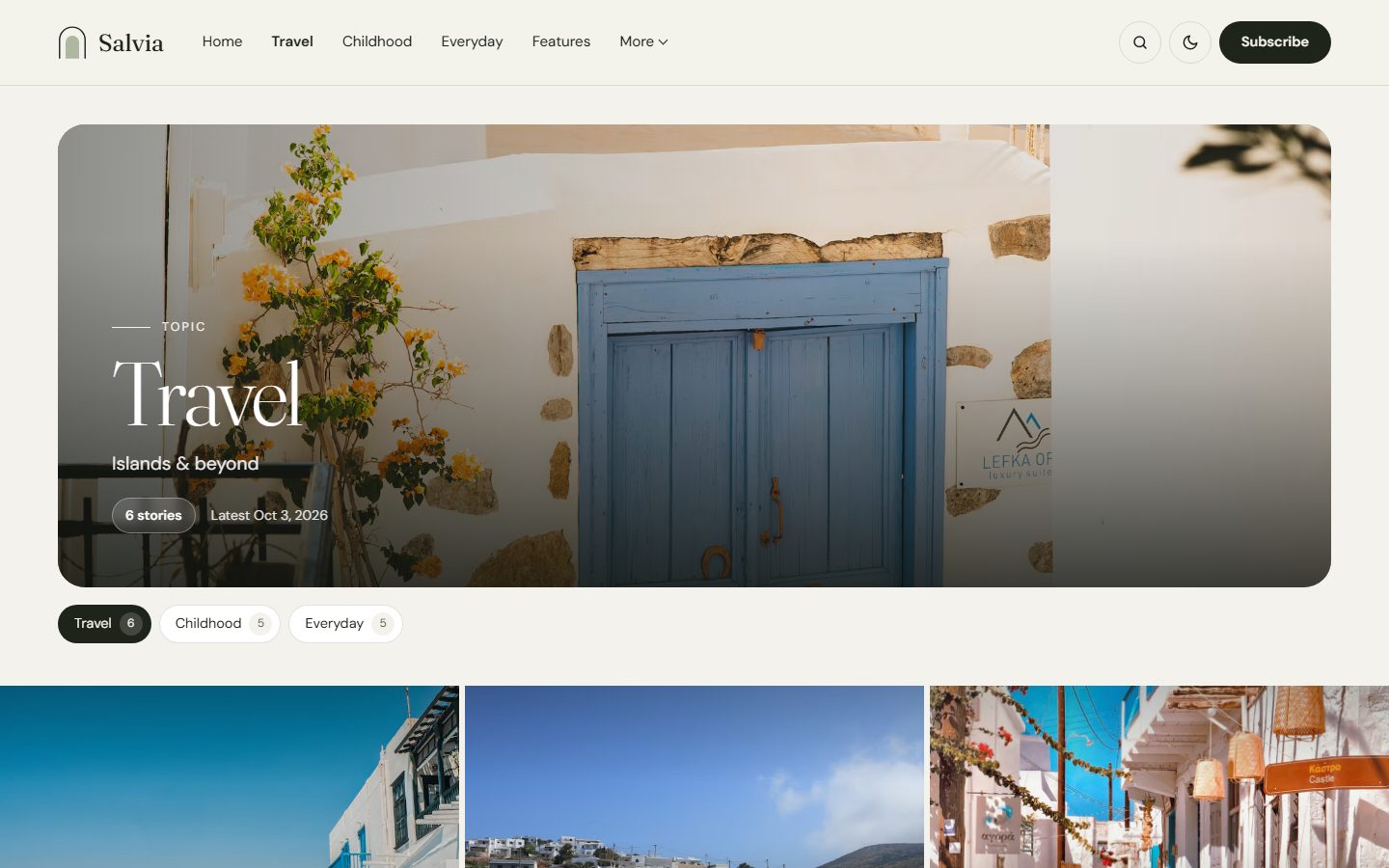
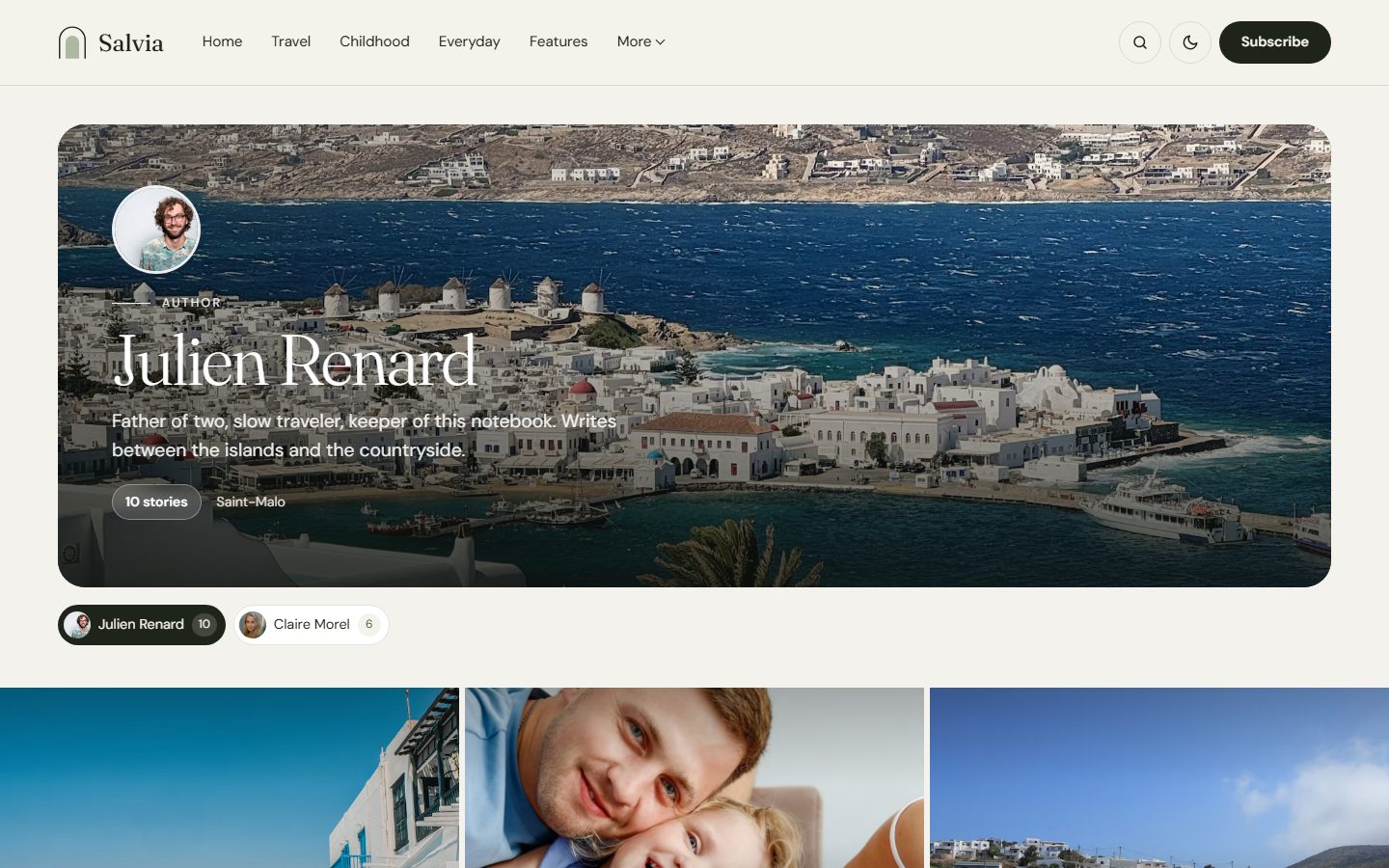
Tag and author pages open like a magazine section: a large cover with the tag image or the author’s cover, the title on top and the story count. No image? The cover switches to deep sage with the name as an outlined watermark. Underneath, chips let readers jump to another topic or writer.
A newsletter that invites
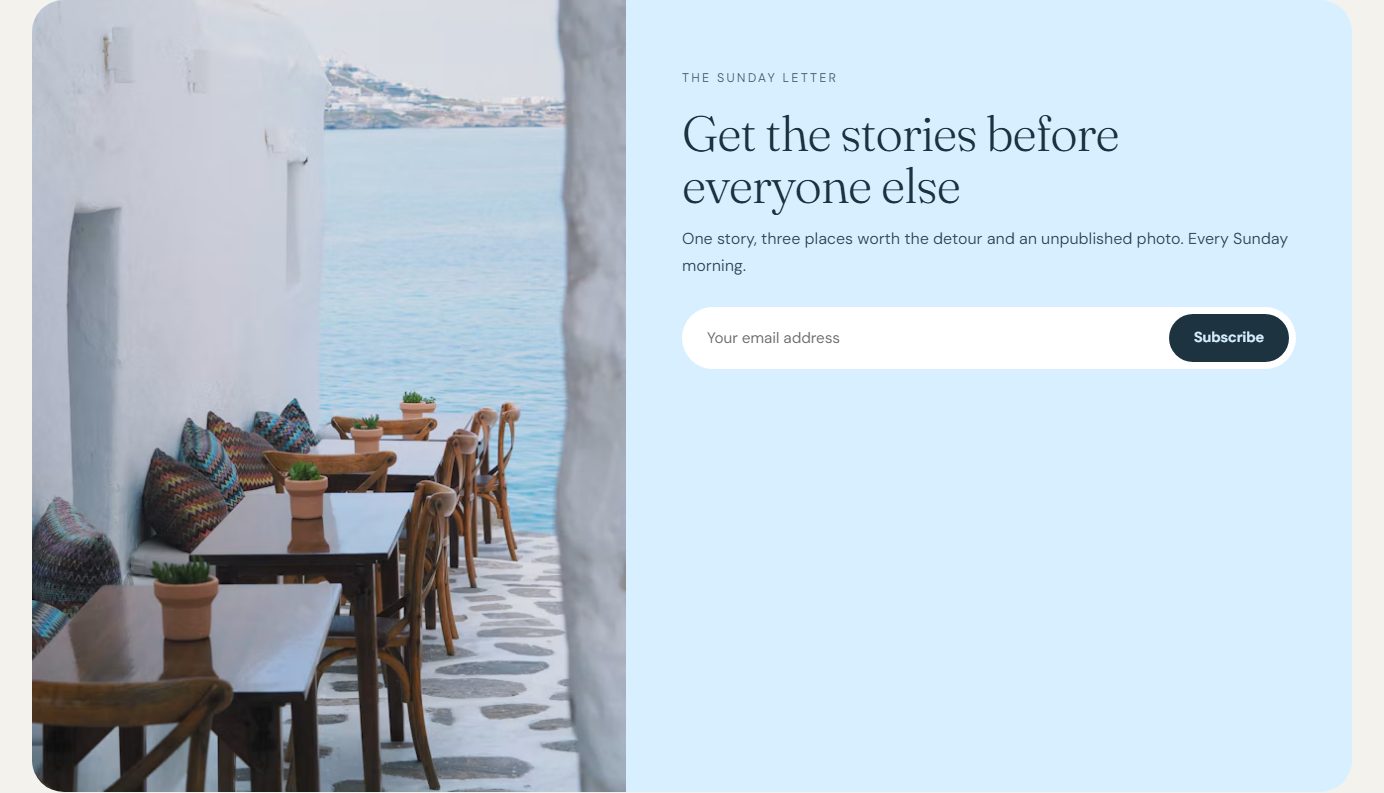
Every page ends with a soft blue block and a photo, inviting readers to your newsletter. Heading, text and photo are yours to change.
Perfect on every screen
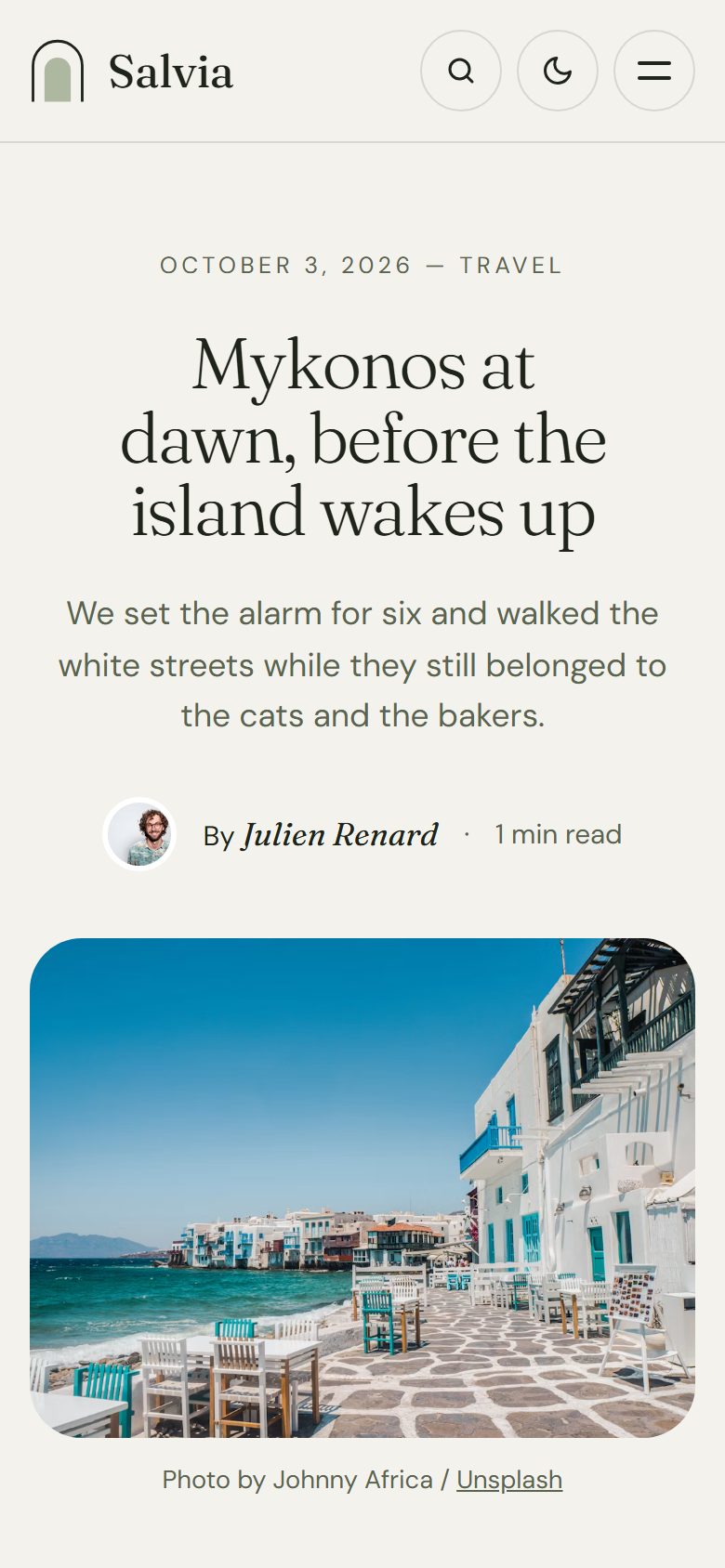
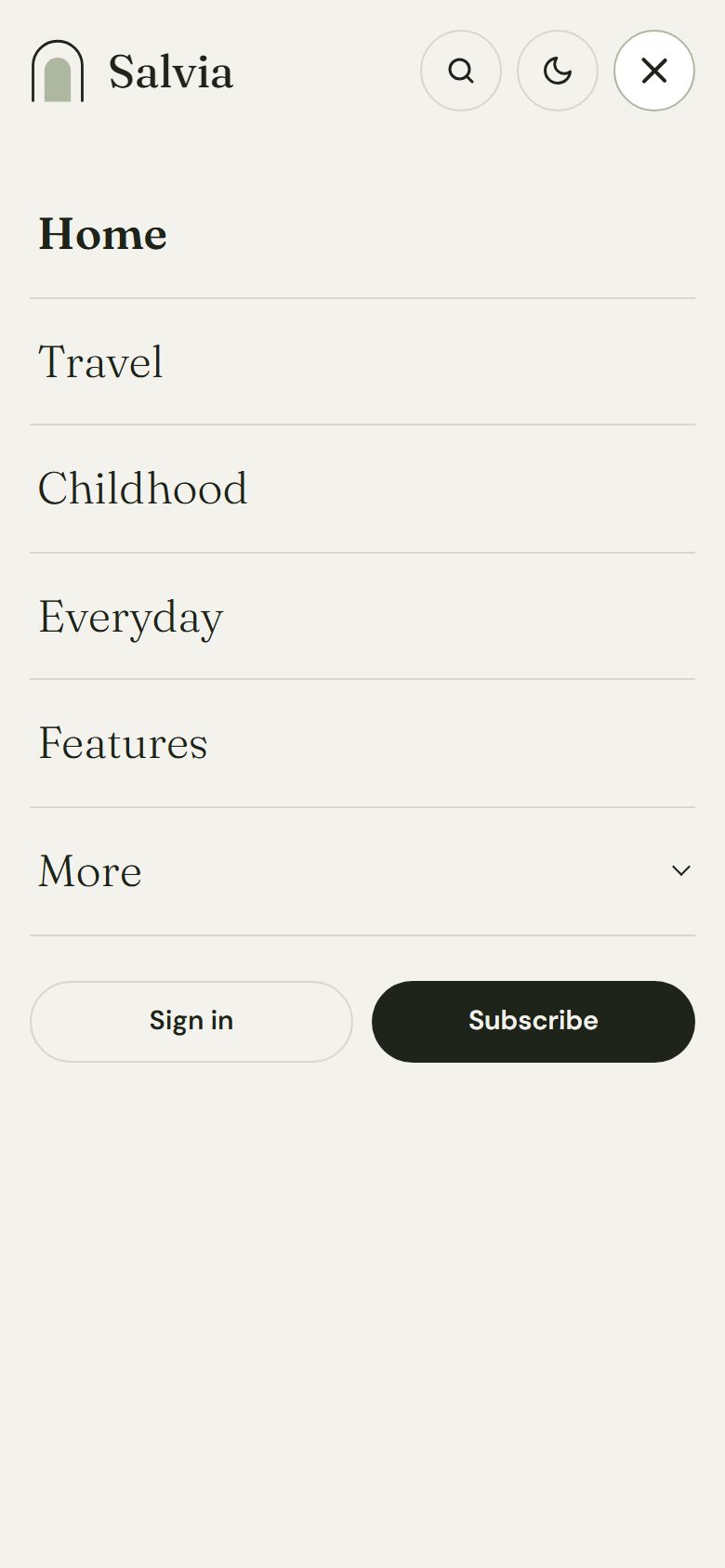
On phones, the mosaic becomes a single column of large photos, the arch stays the hero, and the menu turns into a full-screen panel.
Light, dark or automatic
Choose Light, Dark or Auto as the default. In the dark, Salvia turns to a deep sage green. Readers can switch at any time, and their choice is remembered.
Theme settings
All options live in Settings → Design & branding.
- Homepage sections: switch the introduction, the topic links, the quote of the week and the arches on or off, plus the newsletter block on every page.
- Introduction: small line, title, photo, caption and seal text.
- Topics as arches: the tags to display.
- Newsletter: heading, text and photo.
- Color scheme and an optional logo for dark mode.
- Other social links: Pinterest, WhatsApp, Telegram, GitHub and more, next to Ghost’s own social accounts.
- Table of contents on long articles.
Salvia also follows your accent color for links and supports Ghost’s custom fonts.
Navigation with dropdowns
In Settings → Navigation, start a label with a dash, like -About, and it becomes a sub-item of the link above it.
Everything Ghost offers
- Members, free and paid subscriptions, members-only posts.
- Newsletter signup forms connected to Ghost.
- Native search, from the header or with
Ctrl/Cmd + K. - Ghost comments with comment counts.
- All editor cards, shown on the Styleguide page.
- SEO metadata, Open Graph and structured data generated by Ghost.
- Responsive images, lazy loaded, and a fully translatable theme.
